
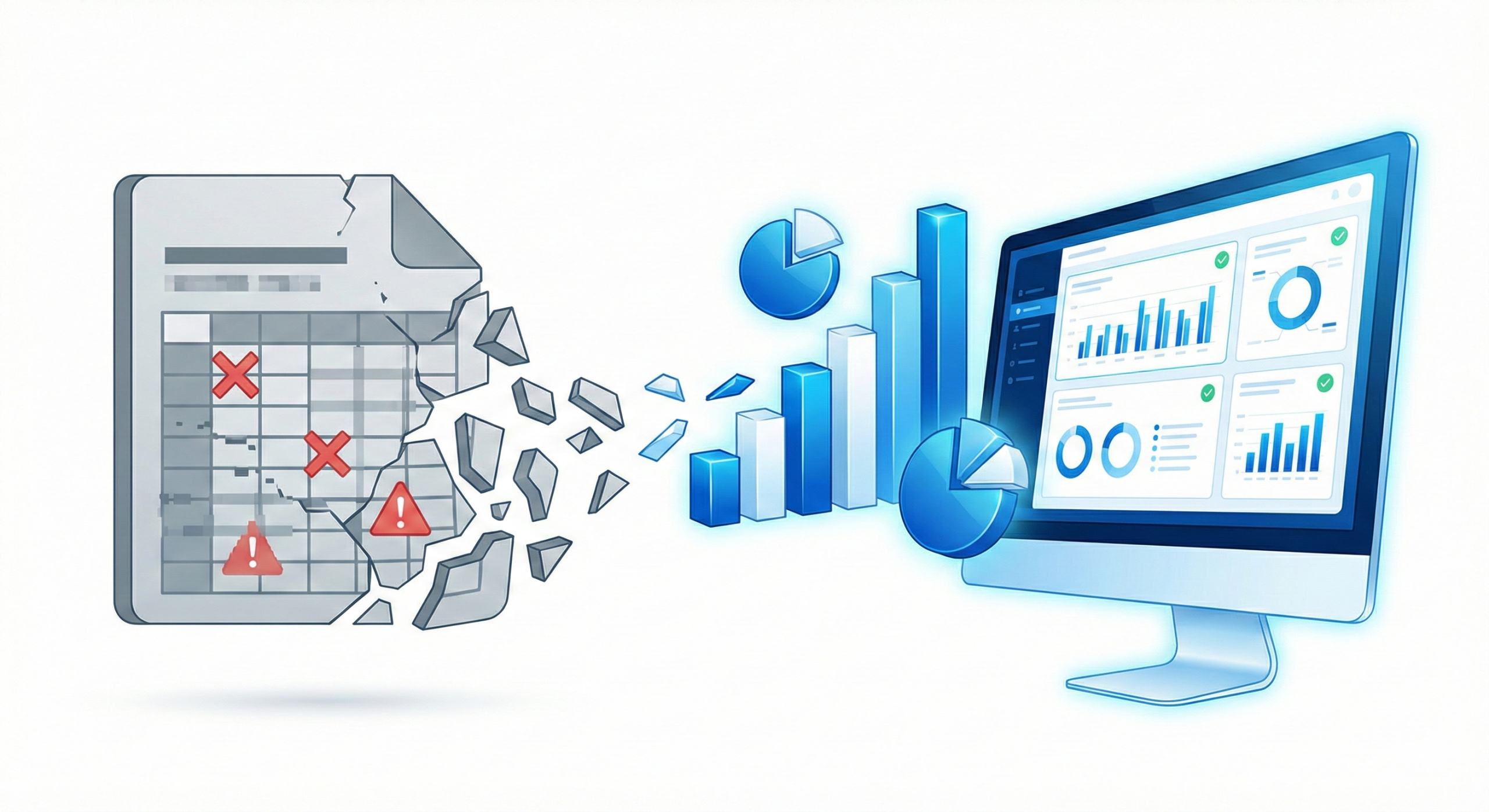
What does transitioning to automated CQC dashboards involve?
Automated CQC dashboards Power BI solutions involve moving away from manual Excel spreadsheets and connecting your care management software directly to real-time business intelligence tools such as Microsoft Power BI. Quematics specialises in helping UK care providers migrate their data into secure, automated reporting environments — without replacing the systems their teams already use. Learn more about our care home analytics solutions and our Power BI consultancy.
Why are spreadsheets failing modern care homes?
Spreadsheets are static, prone to human error, and require significant manual effort every week to maintain. In a sector where care managers can lose up to 30% of their working week to administrative tasks, static files are a critical operational bottleneck.
When a CQC inspector requests a cross-referenced report — such as comparing incident rates against agency staff usage — a spreadsheet requires hours of manual manipulation. Automated CQC dashboards built in Power BI pull this data live from your eMAR or digital care planning software, allowing managers to present that exact cross-section in seconds.
How do you successfully migrate to automated CQC dashboards?
The key to a successful transition is starting with a single, high-impact report. We recommend automating your most time-consuming daily process first — such as the clinical morning handover or the daily occupancy tracker.
Once care staff and management see that a live Power BI dashboard saves two or more hours of administrative work each day, adoption follows naturally. Automated CQC dashboards provide a single version of the truth, ensuring that the care floor, the registered manager, and the board are all working from the same numbers.
What is the first step toward automating CQC compliance reporting?
The first step is a data audit — understanding what systems you currently use, what data they hold, and how that data is currently extracted and reported. In most UK care homes this reveals three to five manual processes that could be automated within four to six weeks using Power BI and existing data sources.
Quematics offers a structured discovery process for UK registered care providers that maps your current data landscape and identifies the highest impact automation opportunities. Visit our care home analytics page to find out more, or explore our Power BI consultancy to see how we build automated reporting solutions.
Frequently asked questions
What is the biggest risk of using Excel for CQC compliance?
Version control and human error. A single broken formula can conceal a compliance failure, and multiple versions of a spreadsheet in circulation make identifying the accurate data extremely difficult.
Do we need to buy new care software to get automated CQC dashboards?
Usually not. Power BI can connect to your existing software — such as Person Centred Software, Nourish, or your digital eMAR — via secure data connections, without requiring a system replacement.
How long does it take to build automated CQC dashboards?
A foundational dashboard — for example, incident tracking or daily handover reporting — can typically be deployed within two to four weeks, depending on the current state of your data.
Will care staff find dashboards too complicated?
Well-designed automated CQC dashboards are easier to read than spreadsheets. They use visual traffic-light systems — red, amber, green — to make complex data immediately understandable for non-technical staff.
For further guidance, Microsoft Power BI is available to UK care providers via Microsoft’s Power BI platform page. For digital transformation guidance in adult social care, visit the NHS England transformation hub.